
One-Click Registration: What It Really Does

The one-click route exists for players who want to start without filling a long form. It creates an account in a single action, but it also leaves some details empty, and knowing which ones matters before you fund the balance and expect a withdrawal to go through smoothly.
What the One-Click Option Really Does
Choosing the quickest method tells the platform to generate the account with the minimum of input. You pick a country and a currency, accept the terms, and the system produces a login and a password for you on the spot. The account is functional straight away, which is the entire point of offering the shortcut in the first place.
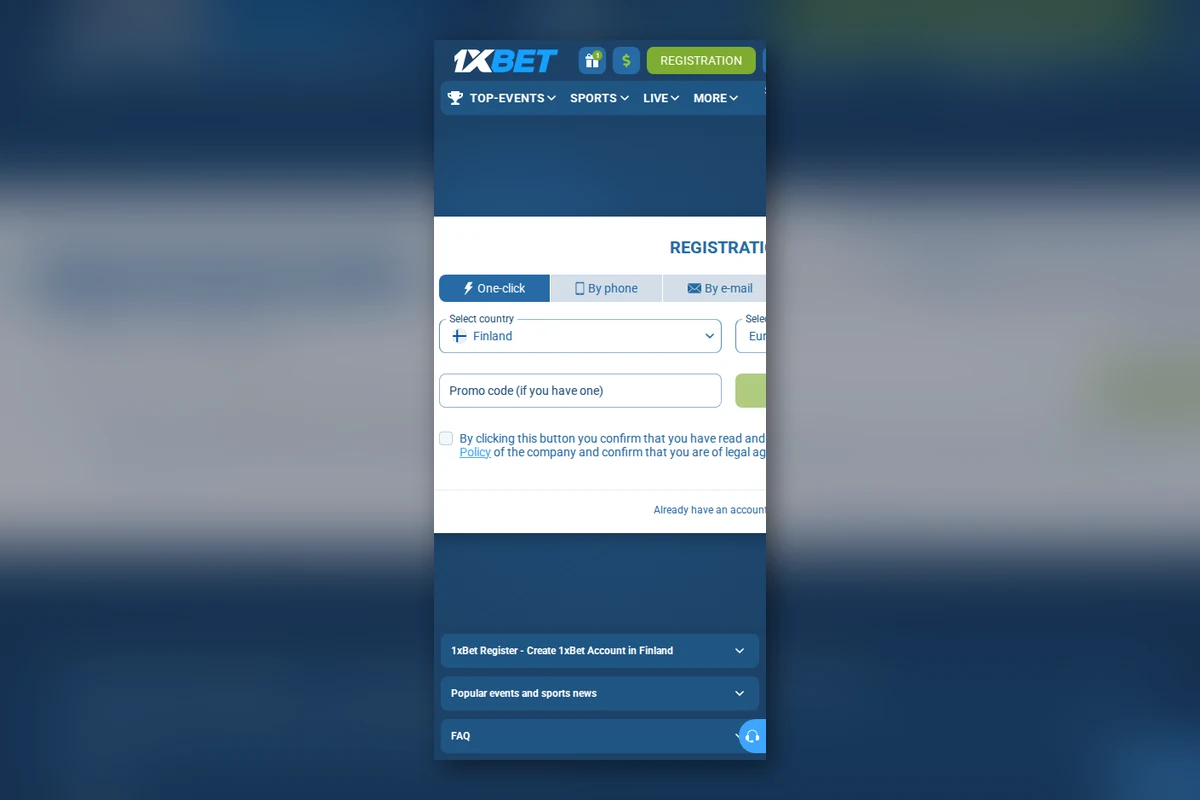
What it does not do is fill in your personal profile. Name, date of birth and address stay blank until you add them yourself, and those are exactly the fields that matter when a withdrawal is requested or when the platform is required to confirm who is using the account. The shortcut saves a few minutes now and asks for the same information later.
The Details You Should Save Immediately
- The username the system generated for you.
- The temporary password shown once on screen.
- The exact country and currency you selected.
- The email or phone number linked to the new account.
- Your chosen security question or recovery option, if offered.
Write these down before the confirmation screen disappears, because the generated password is usually shown only once and cannot be looked up afterwards. If you lose it in the first few minutes, you are already depending on a recovery flow that you have not had time to set up properly, which turns a quick start into a slow problem.
Adding Your Profile Data
The profile section is where a one-click account becomes a full account. Fill in your legal name, your date of birth and your residence exactly as you would on the longer form, and keep every field consistent with the documents you intend to use for verification when the platform eventually asks for them.
Set a fresh password at the same time and retire the generated one. The temporary credential is meant to be replaced, not kept, and writing your own password closes the window during which a screenshot, a shared screen or a borrowed phone could expose access to your balance without you noticing.
Who Benefits From the Shortcut
The quick method suits players who want to see the interface and explore markets before committing any money at all. It also fits anyone registering on a slow connection, where a long form is more likely to time out midway and lose the data already entered, forcing the whole process to start again from the beginning.
It suits less well anyone who already knows they will deposit and withdraw soon. Those players end up completing the longer setup anyway, only in two sittings instead of one, and with the added risk of losing the generated credentials in the gap between the two sessions, which is a needless complication they could have avoided.
Questions Players Ask Before Starting
The most common question is whether a one-click account can later be converted into a normal one. It can, and the conversion is simply a matter of filling in the empty profile fields and confirming your contact details. Nothing about how the account behaves changes once the data is in place, and the menus, limits and payment options are identical to those of a fully registered profile.
Another frequent concern is whether the generated login can be replaced. In most cases you can change the password immediately and keep the same username, which is usually a short string of characters. If the username itself bothers you, contact support and ask whether it can be adjusted, though it is rarely necessary and the password is the part that actually protects the account.
Players also ask whether the shortcut affects access to promotions. It does not, because eligibility depends on the profile being complete and verified rather than on how the account was first created. An incomplete profile, however, will block those features until the missing fields are filled in, so finishing the data is the step that unlocks the rest.
Comparing the Two Routes
| Aspect | One-click route | Full form route |
|---|---|---|
| Time to open | Almost immediate | A few minutes |
| Profile data | Added later by you | Entered up front |
| Password | Generated, temporary | Chosen by you |
| Risk | Credentials easy to lose | Lower if written down once |
| Best for | Browsing first | Planning to pay in soon |
The practical difference between the two routes is timing rather than capability. Both lead to the same account with the same features and the same menus, and the shortcut simply defers the dull part until after you have decided the platform is worth keeping.
Turning a Quick Start Into a Safe Account
The moment the account exists, treat security as the priority rather than an afterthought. Change the password, add your real details and confirm the email or phone number so that recovery options have something accurate to work with later. A one-click account is only as safe as the ten minutes you spend securing it straight afterwards.
Once that is done, the shortcut has cost you nothing at all, and you hold an account that behaves exactly like one created the long way round. The order of the steps changes between the two methods, but the destination and the day-to-day experience do not.
Read next
Registration Step by Step
How the sign-up form works, which method to choose and what happens after confirming.
Account Verification: What Is Requested
Why documents are asked for, what passes first time and what affects the timing.
Login and Account Security
Passwords, two-factor confirmation, shared devices and how to spot phishing.
