
Login and Account Security
Logging in looks like the simplest part of using 1win, and it is also where most account problems begin. A reused password, a shared device or an unfamiliar network turns a routine sign-in into an open door, so the habits around login deserve the same care you give to the bets themselves.
How the Sign-In Works
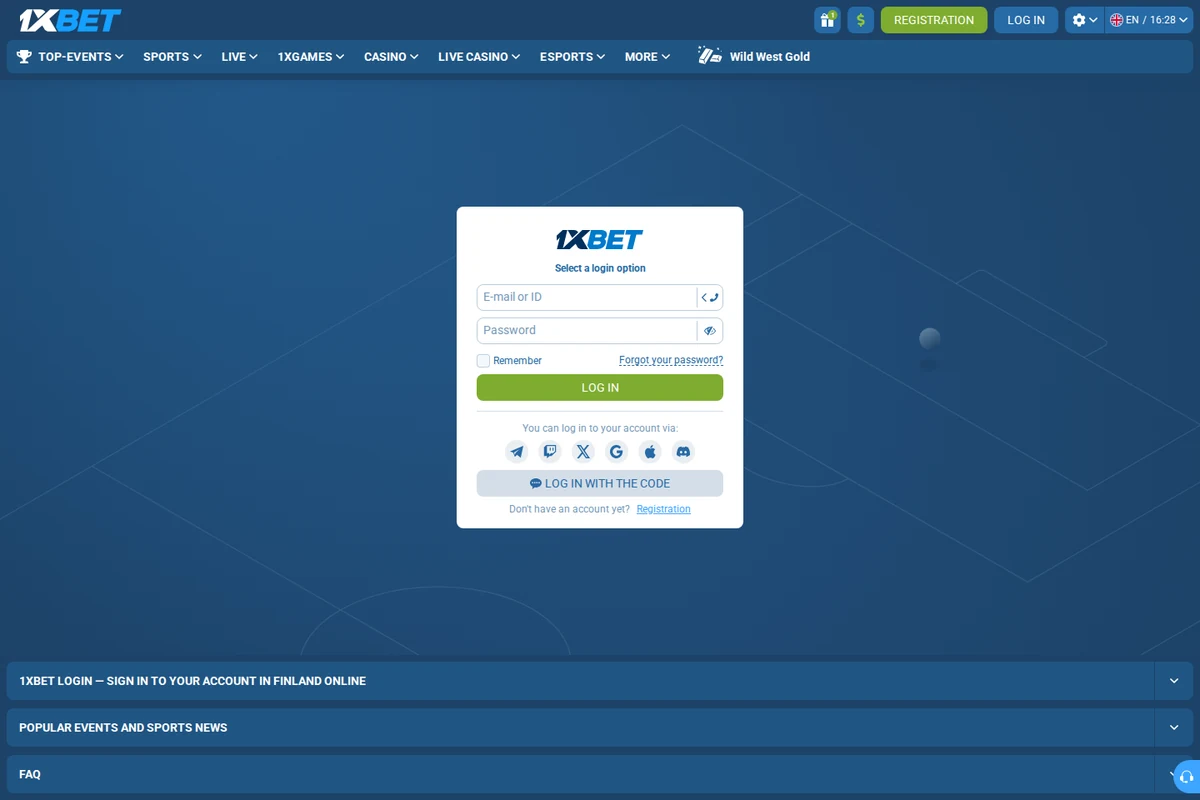
Signing in requires the username or contact you registered with and your password. Once accepted, the session stays open until you sign out or it expires after a period of inactivity. That convenience is exactly why the password protecting the session should not be one you have used on any other site, because its value stretches far beyond a single platform.
If two-factor confirmation is available, enabling it is worth the extra step every time. A code sent to your phone means a stolen password alone is no longer enough to reach the account, which removes the most common attack path entirely and turns a catastrophic loss into a minor inconvenience you can resolve calmly.
Passwords and Password Managers
- Use a different password for betting than for email or banking.
- Let a password manager generate and remember long random strings.
- Change the password if you ever typed it on a shared computer.
- Never store credentials in a plain note, chat message or email draft.
- Review your saved passwords periodically and retire weak ones.
A manager solves the tension between security and convenience. You memorise one strong master password and the software handles everything else, so there is no incentive to reuse something short and familiar across every site you visit, which is the habit that exposes people to credential theft.
Devices and Shared Computers
Log in from devices you control and sign out when you finish, particularly on a laptop shared with family or colleagues. Browsers remember sessions and autofill credentials, so a machine you leave signed in is effectively an account that anyone with access to it can reach and operate without your knowledge.
On your own phone, a screen lock is the basic layer worth having at all times. It does not replace a strong password, but it stops someone who picks up the unlocked device from scrolling straight into a betting account with a balance attached and moving money before you notice anything amiss.
Public Networks and Suspicious Requests
Public Wi-Fi is convenient and considerably more exposed than a home connection. If you must sign in from one, avoid entering payment details in the same session and sign out the moment you are finished. A mobile hotspot from your own phone is often the safer alternative when you need to check something on the move.
Treat unexpected messages asking for your login as hostile by default, whoever they claim to be from. Genuine support staff never need your password, and a link that leads to a sign-in page from a message is a classic way to collect credentials. Reach the site by typing the address yourself instead of following anything that arrived uninvited.
Recognising a Phishing Attempt
Phishing rarely looks obviously fake any more. The message usually copies a real layout, uses a plausible address and creates a reason to act quickly, such as a warning that the account will be restricted. The one detail that gives it away is the destination of the link, which leads to a page that imitates the sign-in screen and quietly records whatever you type into it.
The reliable defence is not to judge the message at all but to ignore its link and reach the platform yourself. Open a new tab, type the address from memory or use a bookmark you created earlier, and check your account through the normal route. If the warning was genuine, you will see it there as well, and if it was not, there is nothing to worry about.
Report anything suspicious to support rather than replying to it. Replies confirm that the address is active and often invite further attempts. A short report gives the security team a chance to warn other users about the same campaign, which protects more people than simply deleting the message and moving on with your day.
Sign-In Habits at a Glance
| Habit | Why it helps | When to apply it |
|---|---|---|
| Unique password | Blocks credential stuffing | From the first day |
| Two-factor code | Password alone is not enough | As soon as it is offered |
| Sign out on shared PCs | Closes the open session | After every use |
| Screen lock on phone | Adds a local barrier | Always on |
| No logins on public Wi-Fi | Avoids exposed networks | Travel and cafes |
Keeping the Account Yours
Security is mostly a set of small routines repeated consistently rather than one dramatic measure. A unique password, a second factor, a screen lock and the habit of signing out cover the situations that cause almost all reported account takeovers, and none of them take more than a moment to maintain once they are in place.
Set them up once and the sign-in stops being a risk point at all. You log in, you play within the limits you set for yourself, and you sign out, with the technical side quietly doing its job in the background where it belongs.
Read next
Registration Step by Step
How the sign-up form works, which method to choose and what happens after confirming.
One-Click Registration: What It Really Does
The fastest way to open an account, and the details it leaves for you to add later.
Account Verification: What Is Requested
Why documents are asked for, what passes first time and what affects the timing.
